Design tips for successful digital outdoor advertising
You want to run a campaign on the DOOH screens of Livesystems and need tips on how to design your advertising successfully? With our design tips, your commercial will achieve maximum impact.
Digital out-of-home advertising (DOOH) works best when it is simple and clear. To ensure that your commercial gets the desired attention, we have put together some smart tips and tricks for you. This way, the message of your campaign will be seen and understood – and your advertising will be a success.
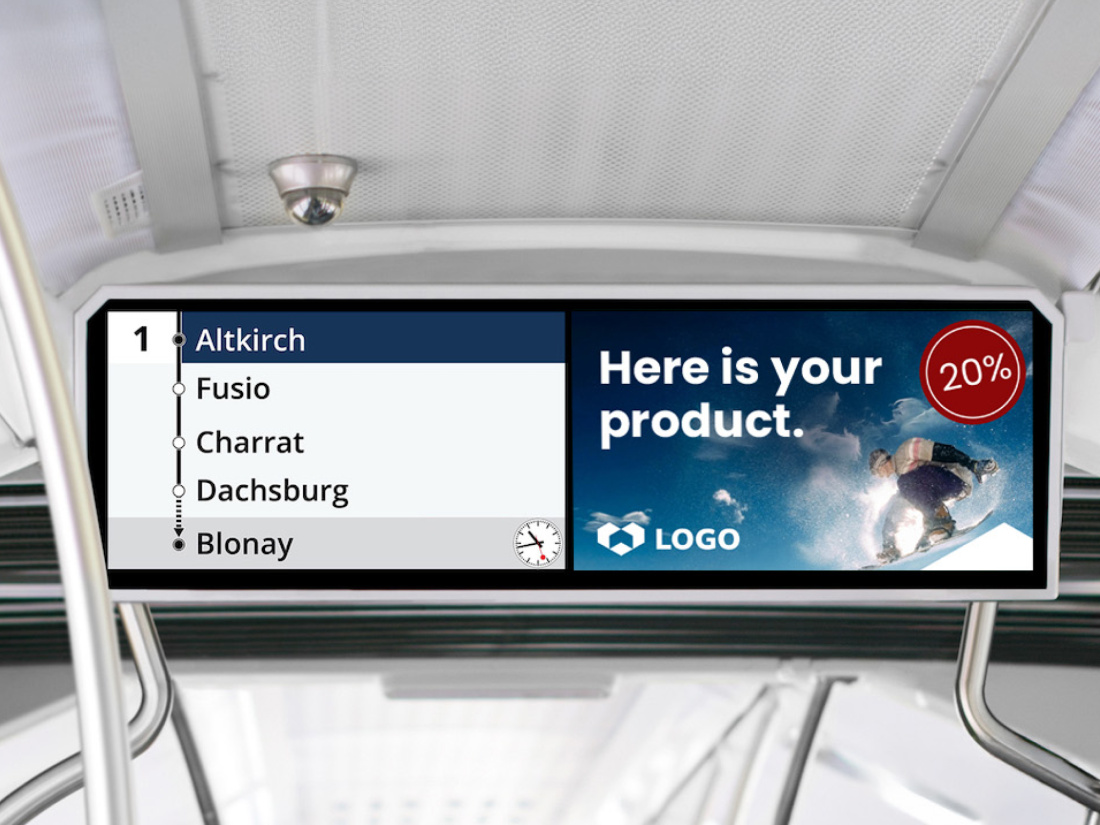
Make your DOOH advertising short and concise
You want to make an impression with your outdoor advertising? You can achieve this if you follow our tips and tricks. The most important rule: Less is more!
Less is more – focus on the essentials
DOOH advertising works best when it is simple and easy to understand. Reduce your message to one to two key statements per commercial.
Use a maximum of 10 words per scene and no more than 5 words per title. This will help your message stick in people’s minds.
Design tips for maximum visibility
Position your main message as large and centrally as possible. From a distance of 2 to 5 meters the text must be easily readable. Font sizes of 150 points or more are ideal.
Fine lines disappear from a distance. Use clear contours and bold shapes.
Avoid subtle shades and too similar color gradients. Use strong color contrasts – especially between the background and the text.
Note: White backgrounds often appear washed out on digital displays.
Focus on one or at most two main messages. If you want to communicate several main messages, ideally create one commercial per message.
Imagine you are standing at a gas station five meters away from the screen – can you clearly see your message? If not: optimize!
Text Design – Do’s & Don’ts
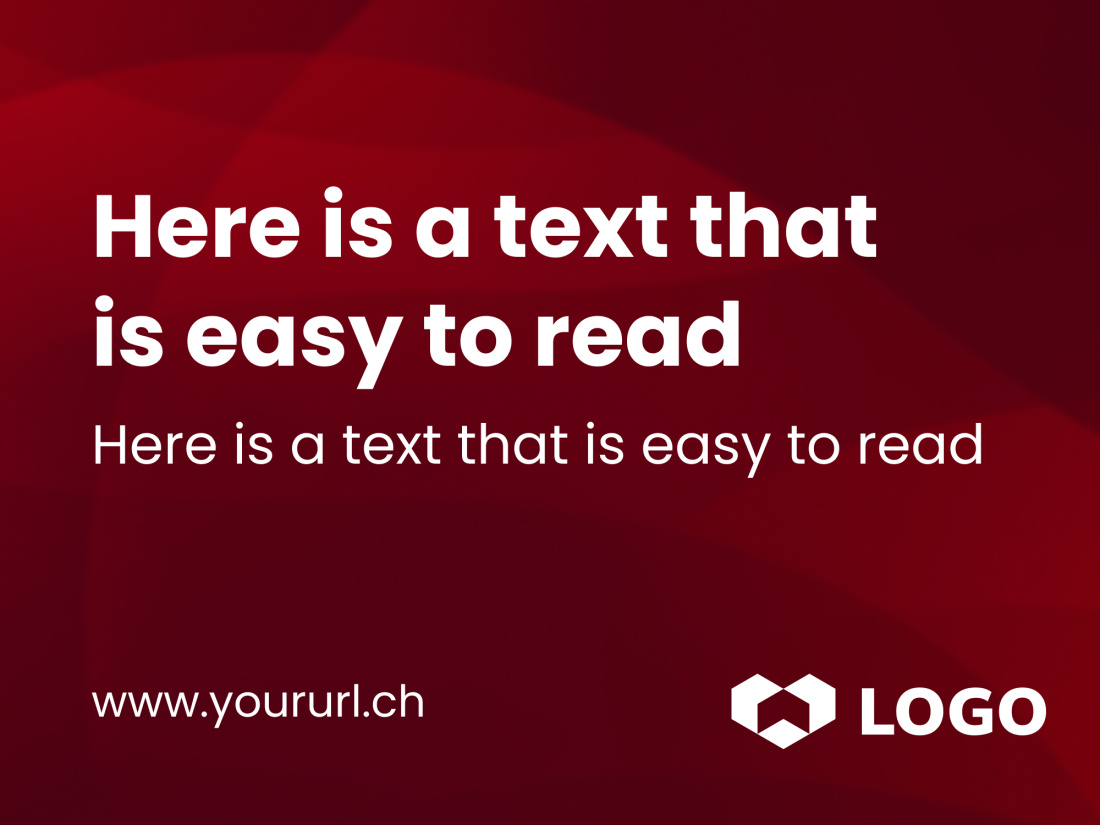
Easy to read:
- Position the main message in the center.
- As large a font as possible.
- No Condensed fonts in the title.
- Colors clearly set apart from each other.
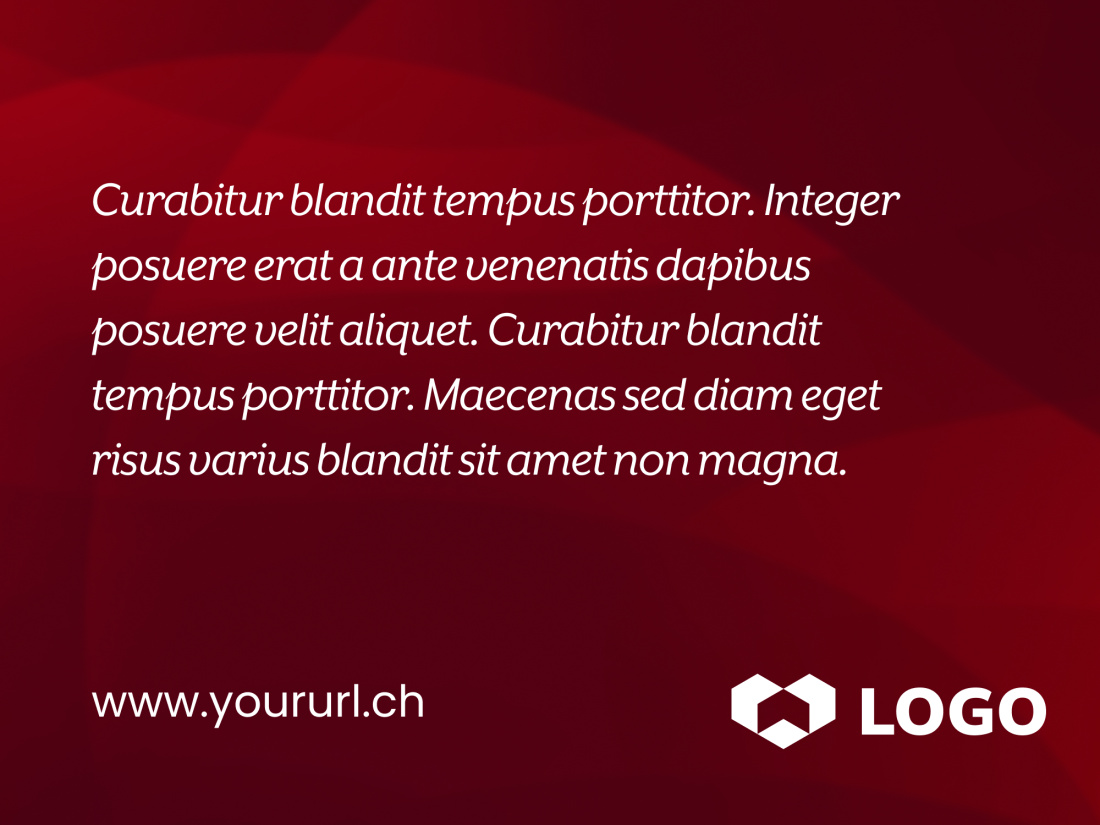
Difficult to read:
- Long or nested statements.
- Small or ornate fonts (e.g., cursive serif fonts).
Combining video, image & text
Images and moving images generate attention – the message must still remain clear.
- Clear statement: a spot, a statement.
- Little content per scene: Reduce text and image.
- High contrasts between text and image.
- Minimum font size for main messages: 150 pt.
- Adjust scene to text length. Or text to scene: no more than 5 words per scene title.
- Direct connection between product, text and image.
- Place text on darkened image areas. This improves readability.
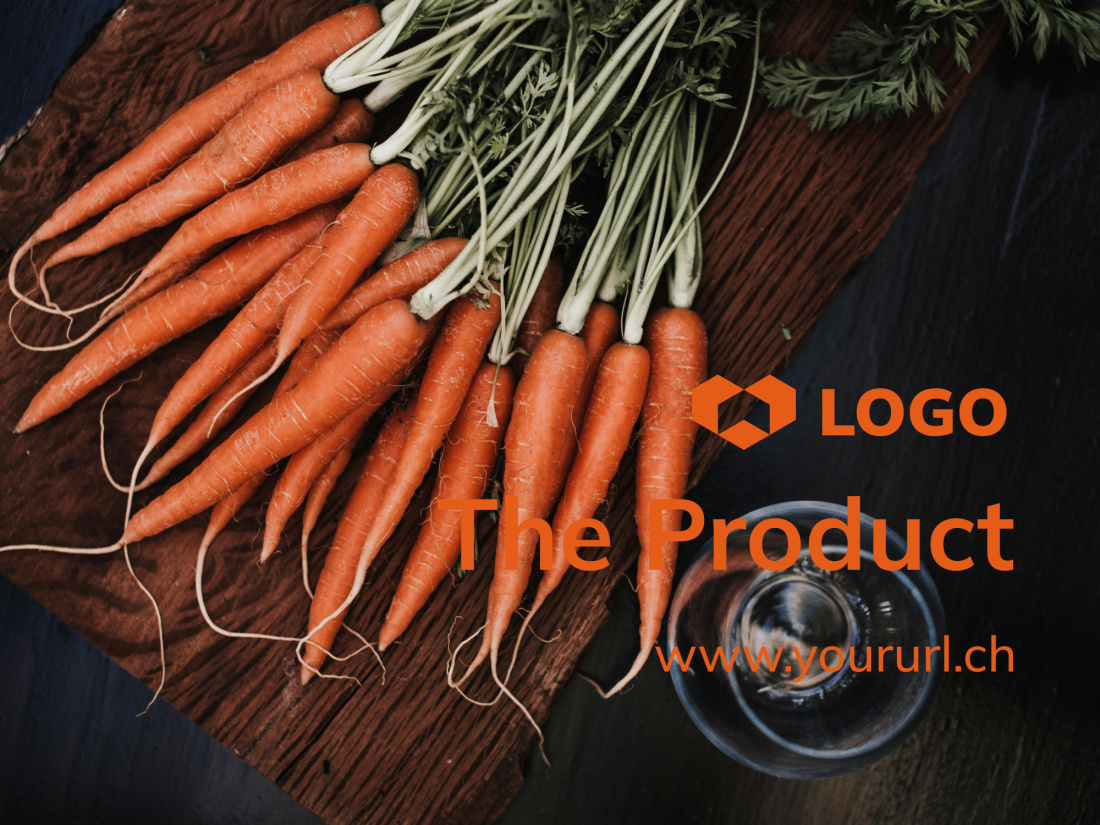
Text & Image – Do’s & Don’ts
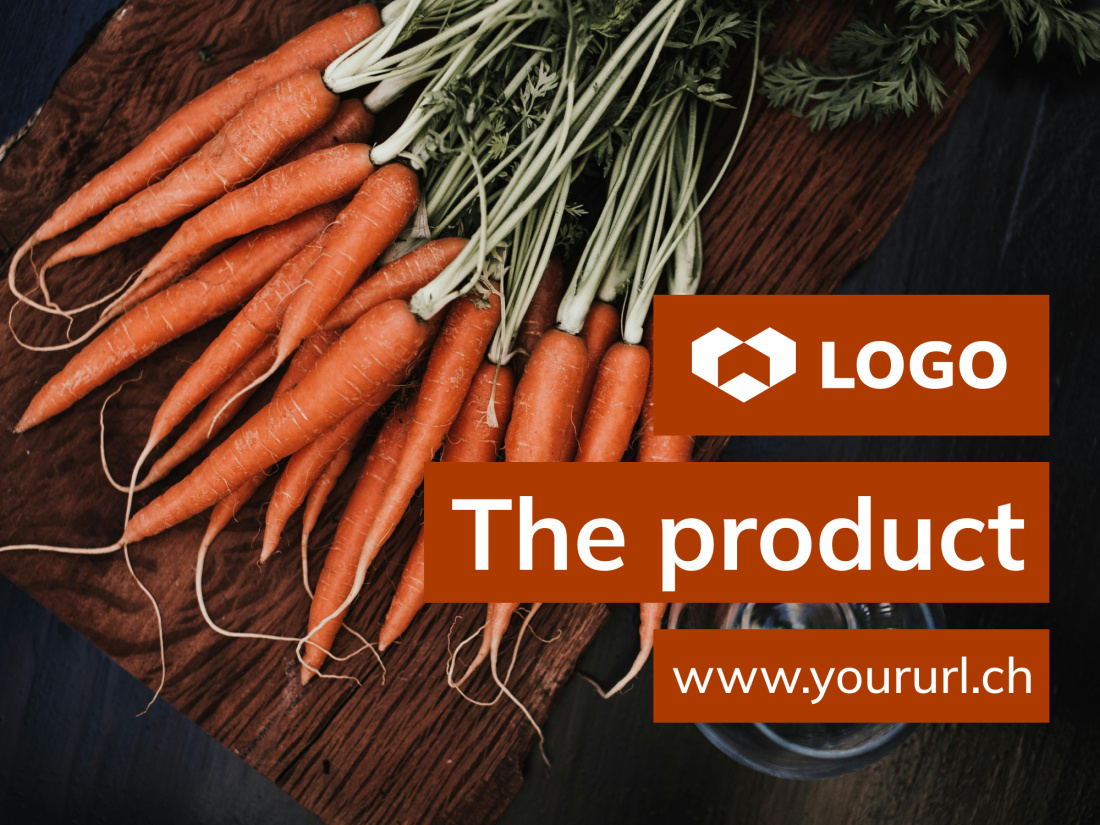
Clearly structured:
- Little information per scene.
- Main message directly at the product.
- Use color contrasts: This is how text, logo and product stand out from each other.
- No condensed or ornate fonts.
- Text in the video always easy to read.
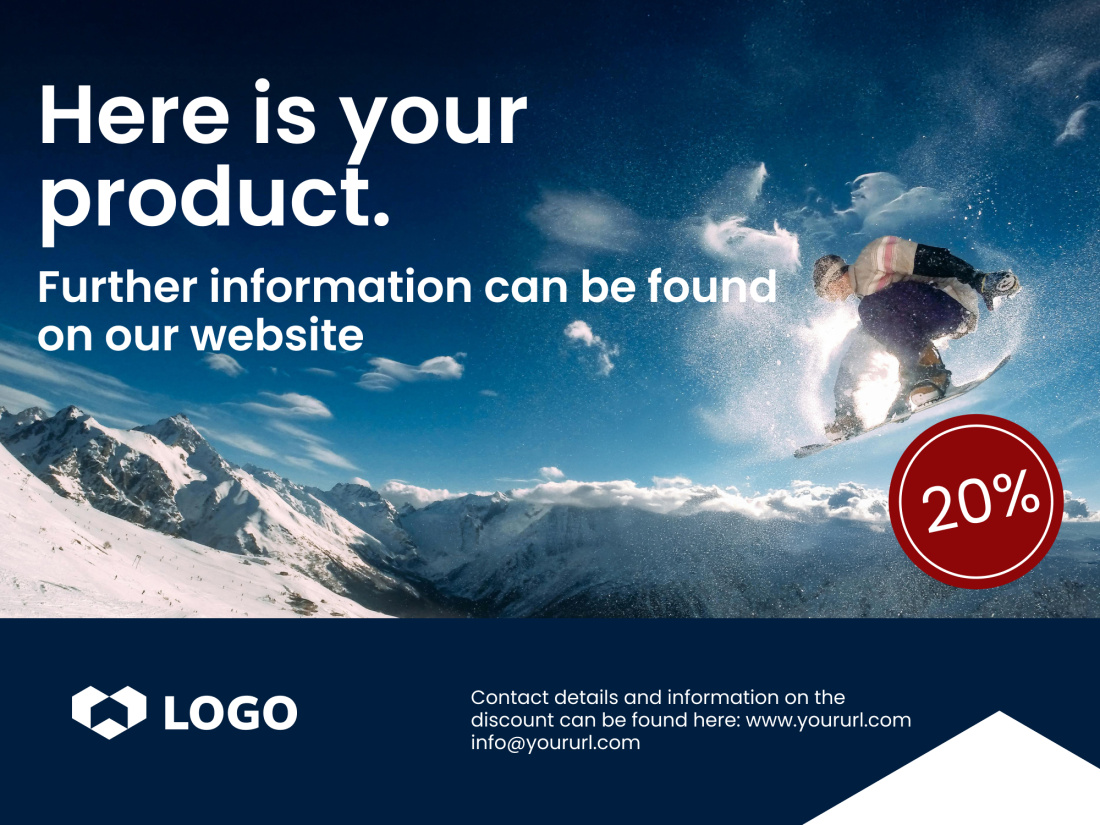
Overloaded:
- Too small font.
- Too much information at once.
- Illegible footer.
- Too little space for the image effect.



Technical requirements
You need to follow these technical guidelines to ensure that your advertising is displayed optimally on the DOOH screens of Livesystems.

Advertisement with video or animation
Aspect ratio: 16:9Resolution: 1920 x 1080 px at up to 25 FPS
File type: mp4 (H.264), avi, wmv
Colour mode: RGB
File size: unlimited
Spot length: as per booking
Audio: none

Advertisement with image
Aspect ratio: 16:9Resolution: 1920 x 1080 px at up to 72 dpi
File type: jpg, png
Colour mode: RGB
File size: unlimited
Design your advertisement with us!
Livesystems supports you in designing your screen advertising.
We know how it works – and we would be happy to support you in designing and implementing your DOOH campaign. Contact us directly! Together, we will make your advertising stand out.
Contact